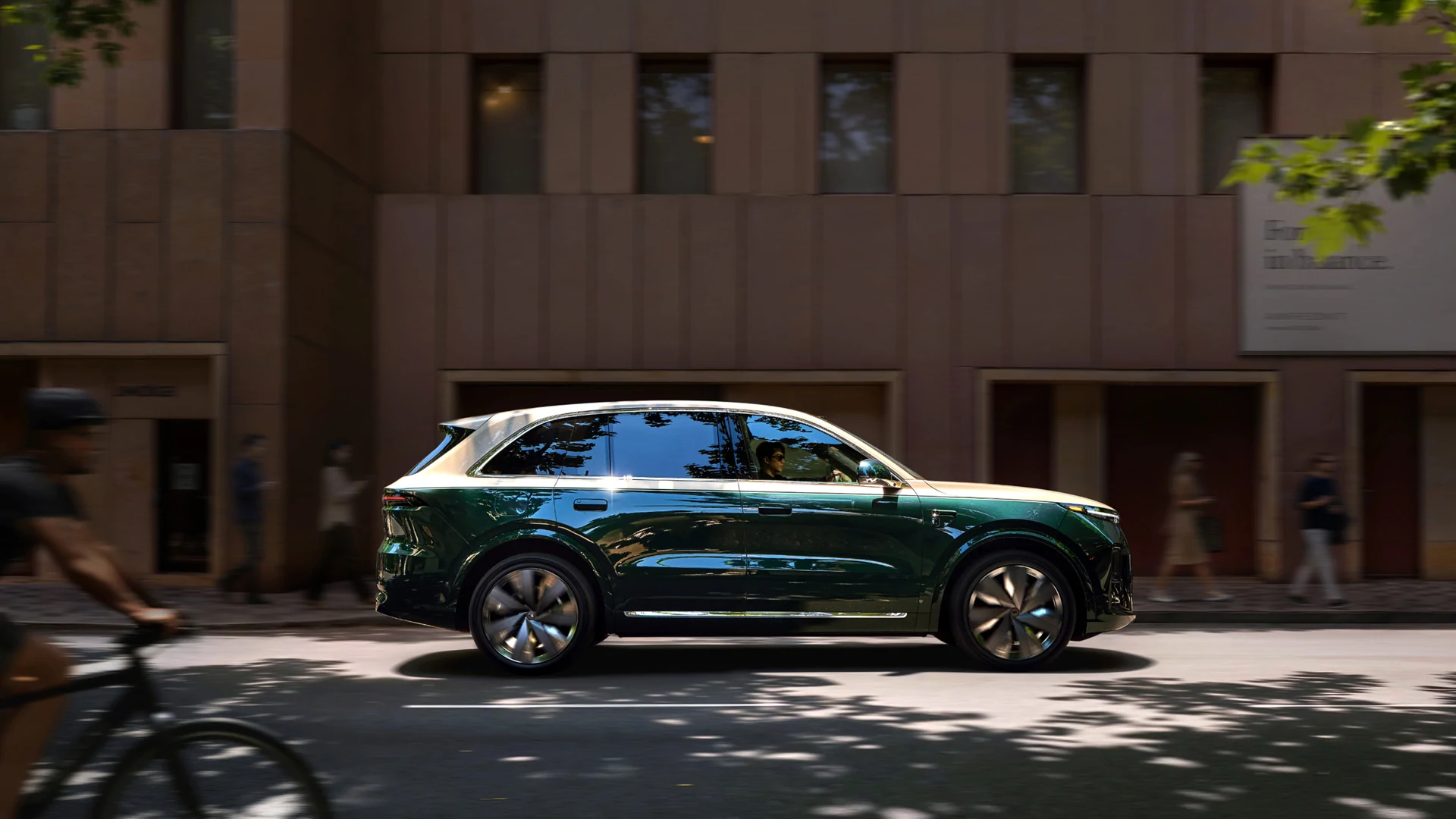
A practical checklist for verifying the exact vehicle and software build. A translated menu alone does not establish overseas app, navigation or update support.
1. Identify the vehicle before discussing features
Use the VIN, model year, trim, original sales market and installed software build as the starting record. This applies to L6, L7, L8, L9, i6, i8 and MEGA, but the available functions can differ. Ask for evidence from the actual vehicle; a demonstration on another model or an earlier build is only a reference.
- Keep dated screenshots of the software-information page and a written list of the functions you need.
2. Check each language layer separately
Request a continuous video showing the language selector, instrument display, vehicle settings, warnings and voice assistant. Record what is native software and what was changed by a third party. An English home screen does not prove that every warning is English; a translated interface does not prove matching voice recognition. Do not assume Russian, Arabic or French support without direct evidence.
3. Demonstrate account and connectivity functions
Before handover, agree who controls the vehicle account and how ownership or access will be transferred through the applicable supported process. Check app availability on your phone, login requirements and the specific remote commands you need. Separate Bluetooth or local functions from internet-dependent ones. A successful login in China is not evidence that the same service will operate at the destination.
- Ask for confirmation of destination mobile-data support and any subscription requirements; never publish passwords or account codes in an enquiry.
4. Test maps with a real destination
Choose an address and a charging location in the intended country. Ask which navigation application covers them, whether a route can be calculated, and which features require a network connection. Check the displayed language independently of map coverage. Keep a separate navigation and charging plan until local operation has been demonstrated. The cited China-market manuals do not establish overseas map coverage.
5. Keep OTA expectations and handover evidence precise
The official i6 W042025MAX manual describes checking update information, adequate battery charge, parking, leaving and locking the vehicle before installation. It also warns that charging may pause and restart depends on the charger. These are instructions for that documented version, not a promise of overseas updates. Follow the actual vehicle manual and on-screen conditions. Record current build, demonstrated functions, unresolved items and any third-party modifications before accepting handover.
- Keep unresolved functions marked as unverified in the handover record, with the responsible contact and the next verification step.
Vehicle reference
中控屏总览 ↗
i8 W022025ULTRA 2025
OTA 升级 ↗
i6 W042025MAX (2025 reference, not blanket 2026)
Sourced to order. Availability, price, export eligibility and timing require confirmation.